


Urgent things first
Every ticket arrives prioritized and is logged from start to finish, with traceability of everything done on the device.
Support, remote control and device management from a built-in module, with prioritization and traceability. Your technicians resolve incidents instead of chasing them: all your company's support, in the same dashboard as your security.
Bring together the tickets, the inventory and remote control of every device in the same dashboard as your security. Your IT team stops jumping between tools and spends its time on what really adds value.
Prioritized tickets · Traceability of every intervention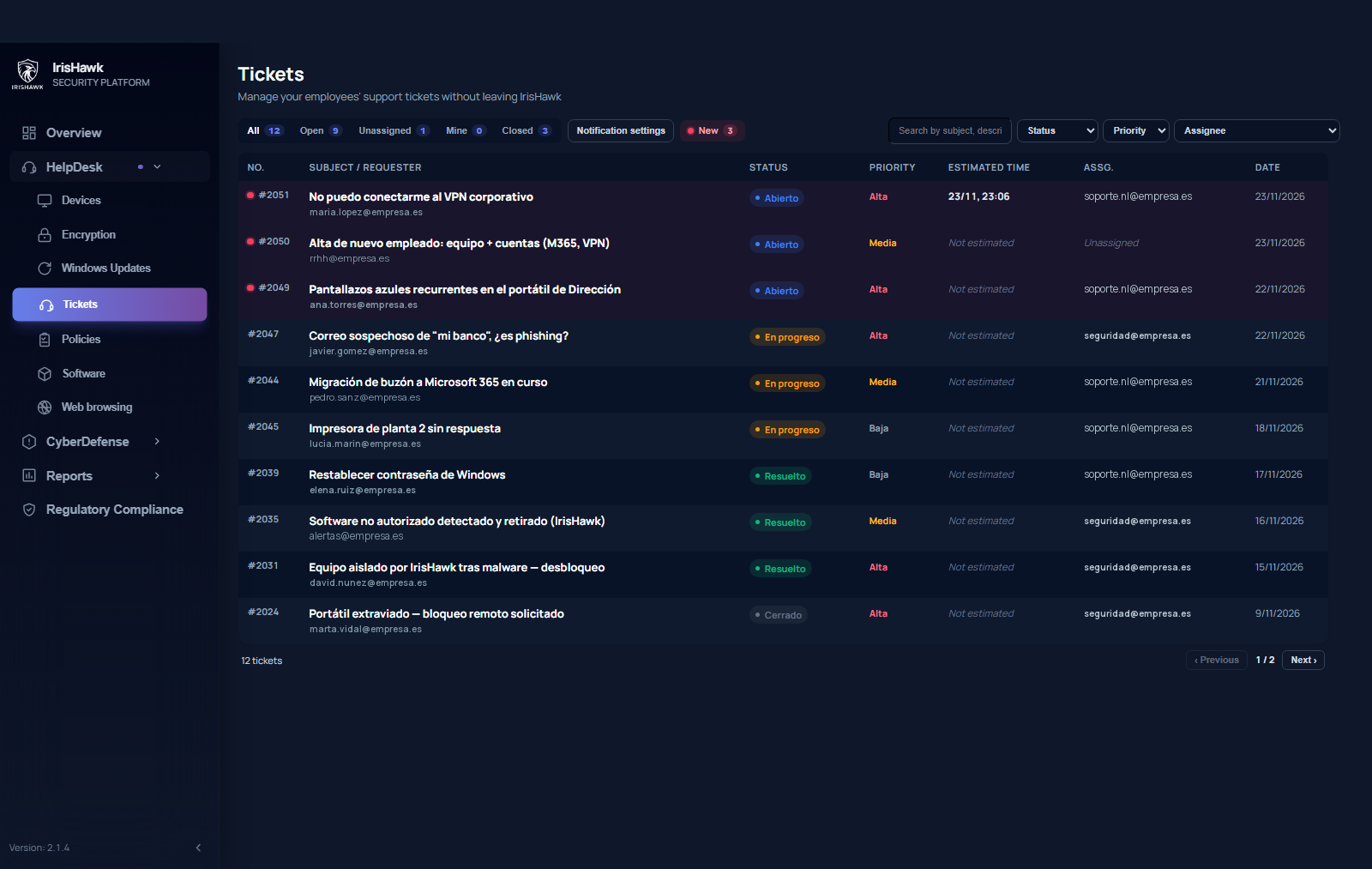
Every intervention is logged in the device history.
Every ticket arrives prioritized and is logged from start to finish, with traceability of everything done on the device.
Connect to the affected device from the dashboard itself and solve the incident on the spot, wherever you are.
Device and software inventory with real-time status: every device, with its data, right away.
Group devices by department, site or company and manage each group in one go.
Real screenshots of the IrisHawk HelpDesk module. Switch tabs to see each feature.
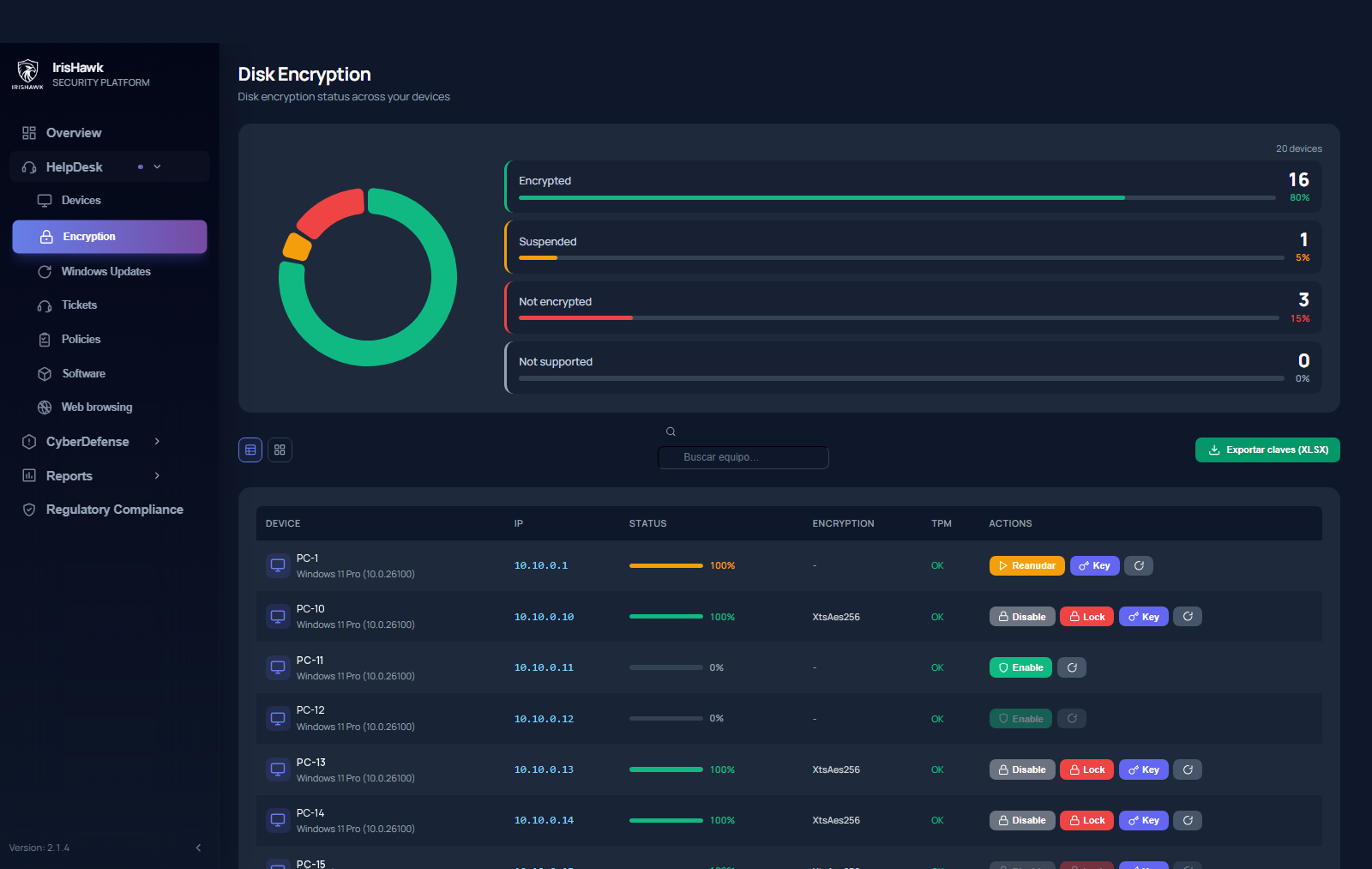
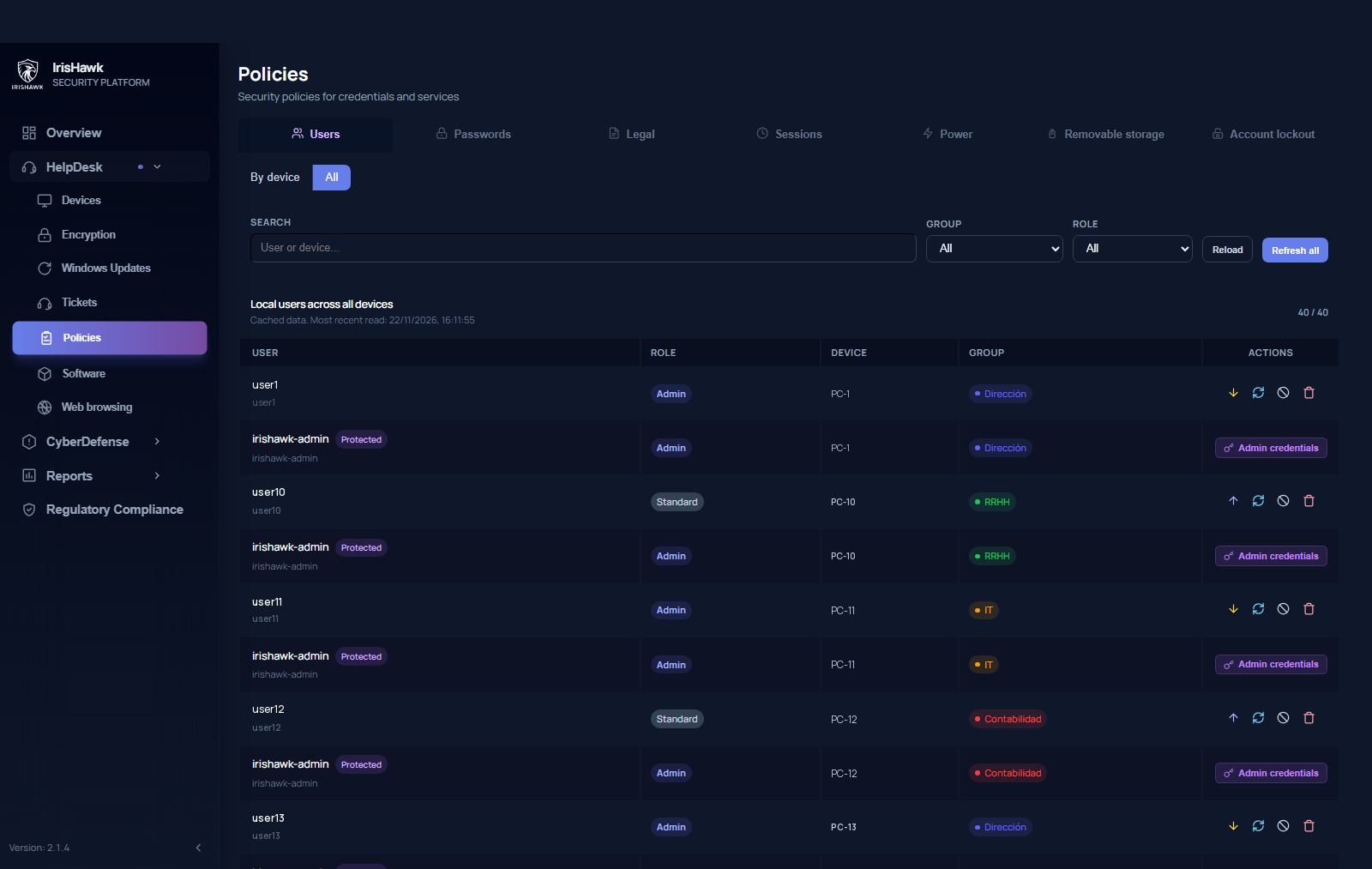
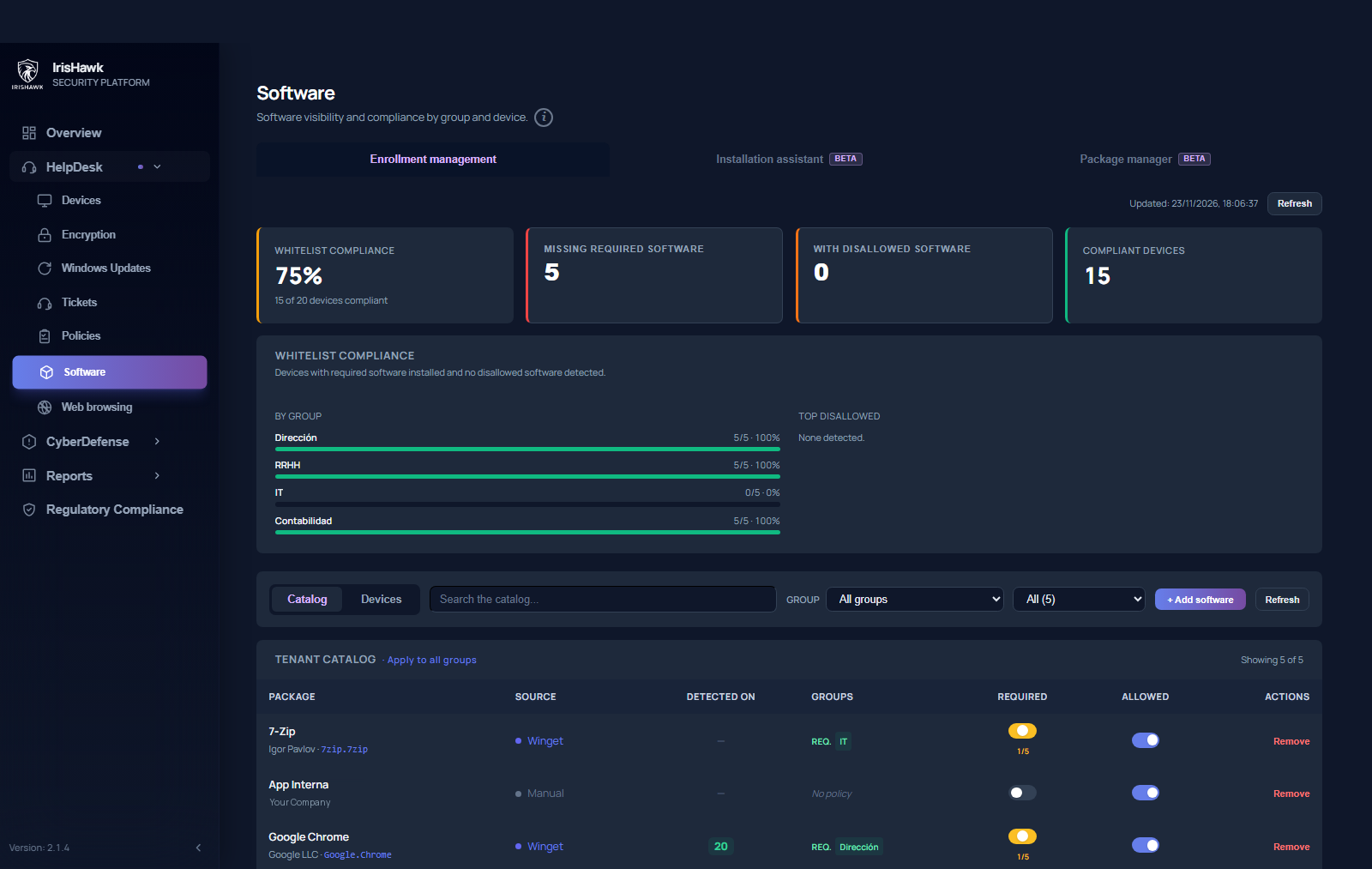
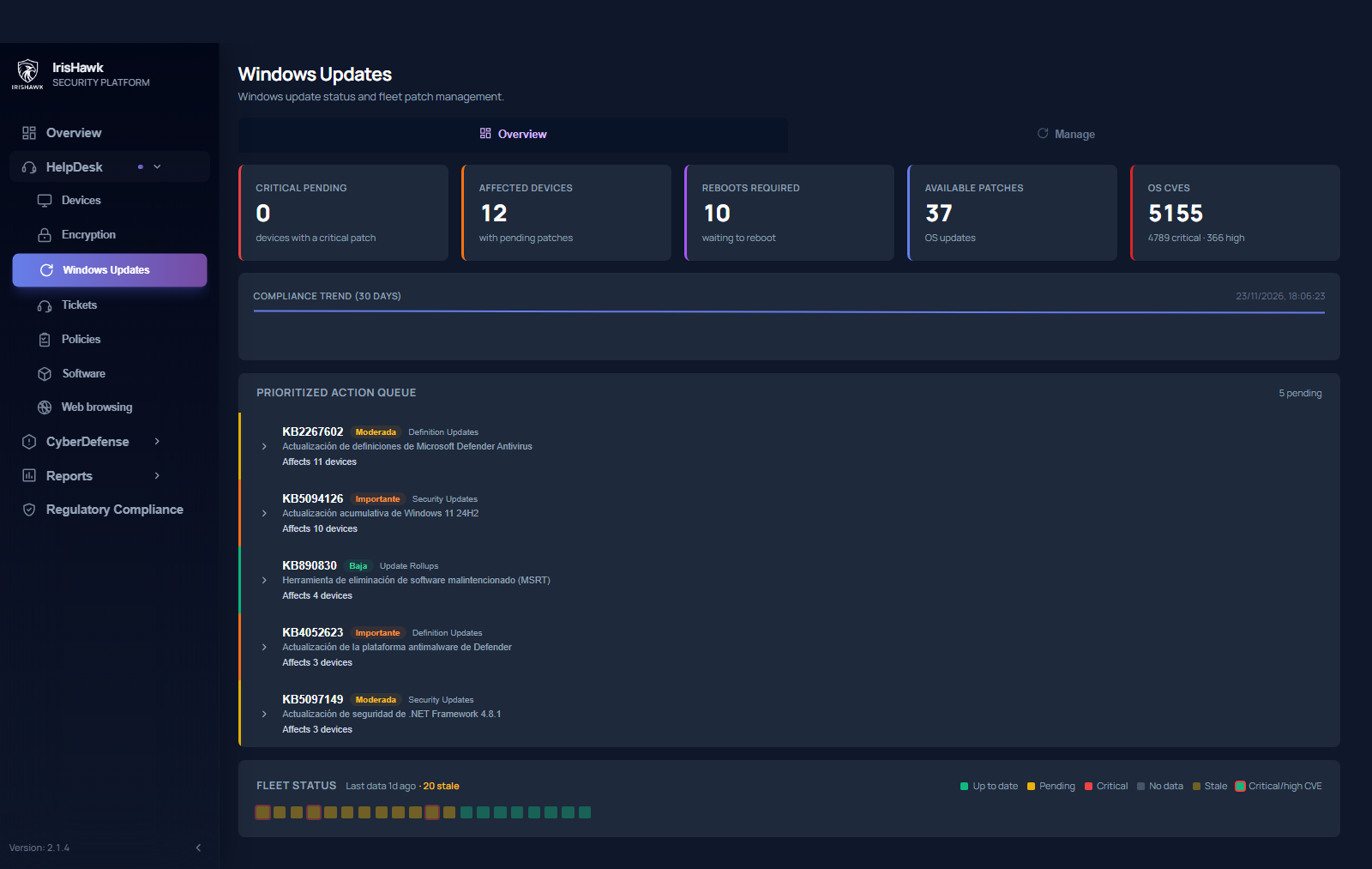
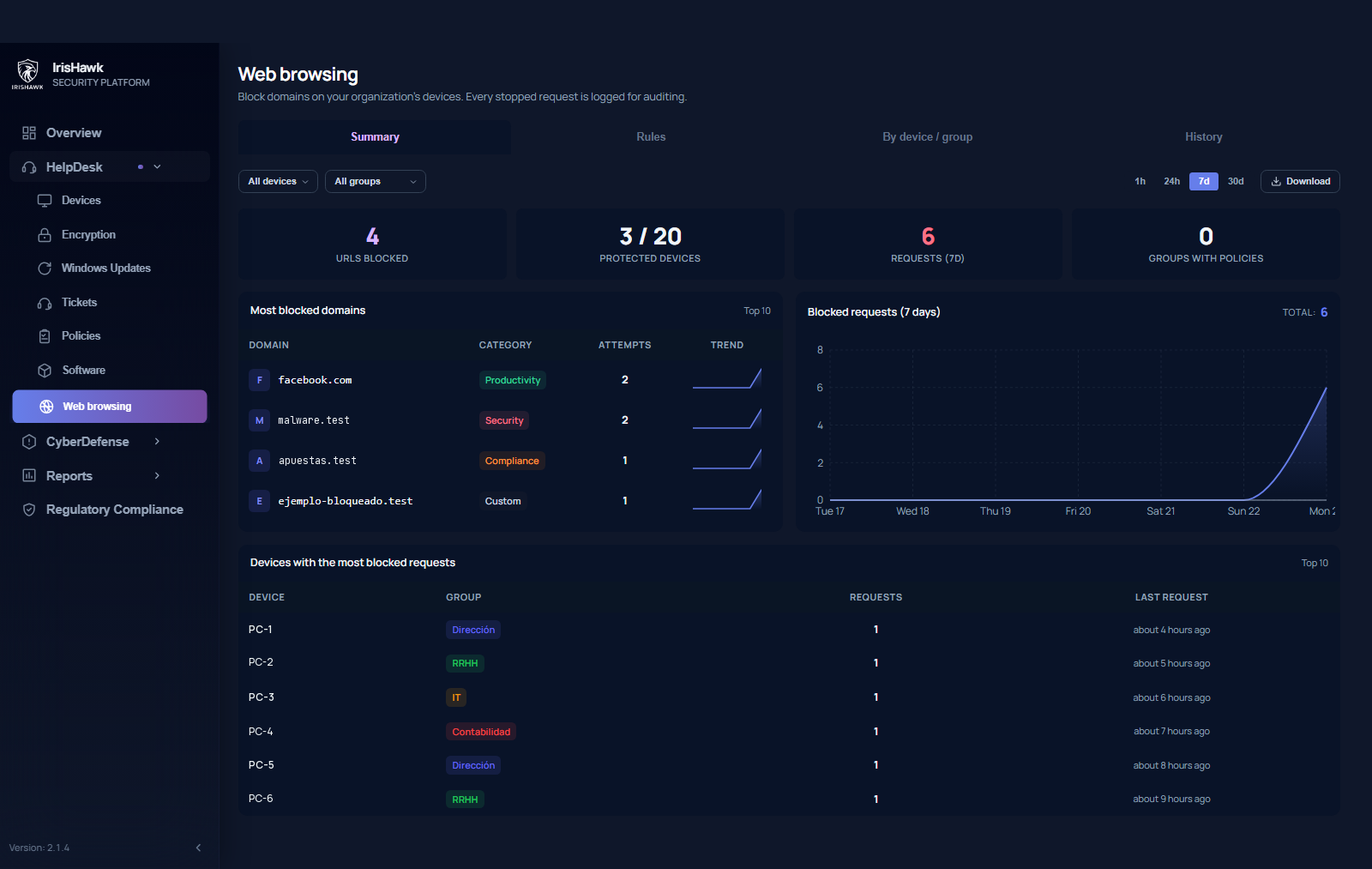
What your support team gets in each plan: devices and their inventory, the tools to resolve incidents, and alerts and reports.
| For your IT support | COREThe essentials, device by device | PROBy groups, sites and companies |
|---|---|---|
| Your devices | ||
| Inventory, monitoring and updatesEvery device, with its status in real time and up to date. | Device by device | By groups of devices |
| Software inventoryWhich programs are installed and on which devices. | ||
| Multiple sites or companiesAll your offices or companies, in the same dashboard. | — | |
| To resolve incidents | ||
| Remote controlConnect to the affected device and fix it from the dashboard. | Optional, per device | Included |
| Device policiesThe same rules for everyone: passwords, lock and users. | — | |
| Alerts and reports | ||
| Notifications and alertsHow you find out that a device needs attention. | — | Email, dashboard and channels |
| ReportsWhat you can show management about your fleet. | Basic: device inventory | Full: also activity and executive reports |
Discover how IrisHawk HelpDesk centralizes tickets, inventory and remote control in a single dashboard.